PDF Reader & PDF Editor
ABISHKKING LIMITED.
About this App
Looking for a comprehensive document management solution for your Android device? Download PDF Reader & PDF Editor to experience the ultimate combination of viewing, editing, and organizing capabilities in one powerful app. This lightweight yet feature-rich application transforms your smartphone into a complete PDF workspace, allowing you to handle all your document tasks effortlessly whether you're at work, school, or on the go.
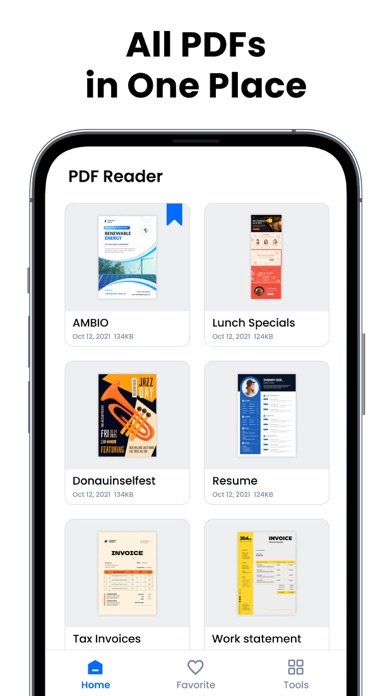
The PDF Reader & PDF Editor APK delivers lightning-fast performance with its intuitive interface that opens and displays documents in seconds. Beyond basic viewing, this versatile app functions as both an advanced PDF editor and ebook reader, offering multiple viewing modes including page-by-page and continuous scrolling, horizontal and vertical orientations, plus seamless switching between light and dark themes. You can easily navigate to specific pages, search for keywords within documents, and zoom in or out for optimal reading comfort.
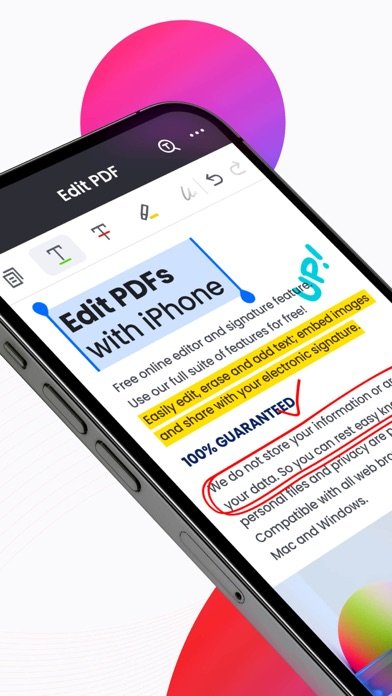
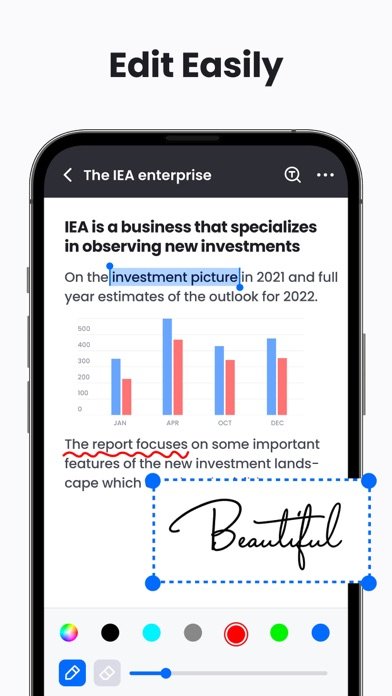
PDF Reader & PDF Editor for Android excels in annotation and editing capabilities, enabling you to highlight text with various colors, add underlines and strikethroughs, insert electronic signatures, and even doodle directly on PDF files. The app includes powerful PDF tools for converting images to PDFs, merging multiple documents, splitting large files into smaller ones, and printing directly from your device. Advanced file management features let you password-protect sensitive documents, organize files by name, size, or modification date, and share documents seamlessly with colleagues or classmates.
Students and professionals will particularly appreciate the comprehensive toolkit that supports both productivity and collaboration needs. With upcoming features including form filling, page rotation, format conversion between PDF and popular office formats, and smart scanning capabilities, this app continues evolving to meet modern document management demands while maintaining its user-friendly approach.
PDF Reader & PDF Editor FAQ
Screenshots
User Reviews
No reviews yet — be the first!