WPS Office-AI Doc, PDF, Sheet
KINGSOFT OFFICE SOFTWARE CORPORATION LIMITED
About this App
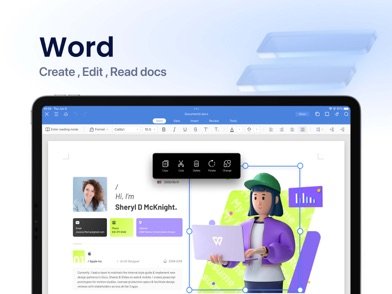
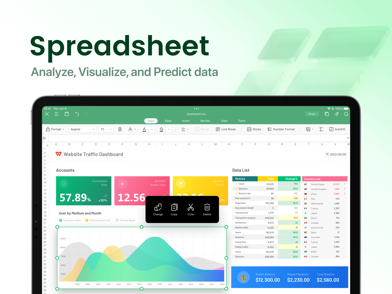
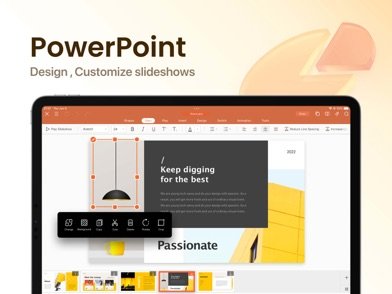
Download WPS Office-AI Doc, PDF, Sheet and transform your Android device into a powerful AI-driven workspace. This revolutionary productivity suite combines traditional office functionality with cutting-edge artificial intelligence to streamline your document creation, editing, and management tasks. Whether you're working with Word documents, Excel spreadsheets, PowerPoint presentations, or PDF files, the integrated AI assistant helps you work smarter and faster than ever before.
The WPS Office-AI Doc, PDF, Sheet APK brings advanced AI capabilities directly to your fingertips. Generate professional presentations from simple text prompts, convert handwritten notes into editable digital text through intelligent OCR scanning, and get instant insights from complex documents. The AI copilot can summarize lengthy reports into key bullet points, help brainstorm ideas, and even draft professional emails with a single tap. These smart features eliminate tedious manual work and boost your productivity significantly.
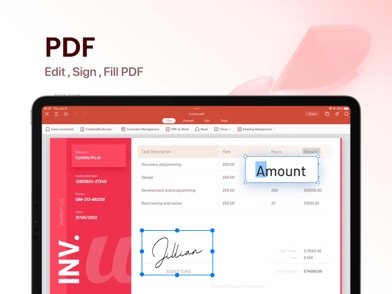
WPS Office-AI Doc, PDF, Sheet for Android offers comprehensive file format support, handling over 50 different document types including DOC, DOCX, XLS, XLSX, PPT, PPTX, and PDF files. The app supports 51 languages and provides seamless cloud synchronization across all your devices, ensuring you can access and edit your work anywhere. The intelligent scanner feature can enhance blurry images, remove watermarks, and convert physical documents into perfectly formatted digital files.
Optimized specifically for Android performance, this productivity powerhouse delivers smooth operation while minimizing battery consumption. The unified cloud workspace ensures seamless continuity across devices, eliminating file transfer hassles and version conflicts. With its combination of traditional office tools and revolutionary AI features, WPS Office-AI Doc, PDF, Sheet represents the future of mobile productivity applications.
WPS Office-AI Doc, PDF, Sheet FAQ
Screenshots
User Reviews
No reviews yet — be the first!