Adobe Scan
Adobe Inc.
About this App
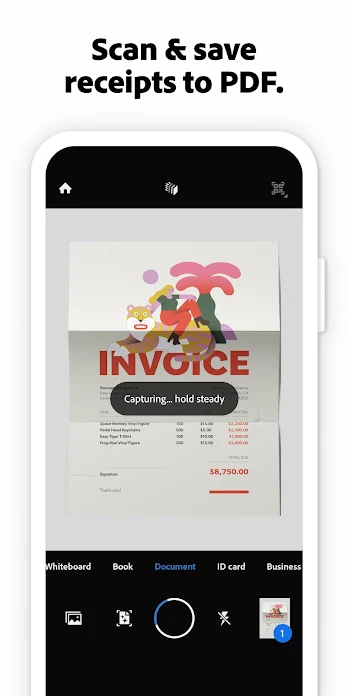
Adobe Scan transforms your Android device into a powerful document scanner and PDF creator that fits right in your pocket. This versatile scanning app helps you digitize paper documents, photos, receipts, business cards, and more with professional-quality results. Whether you're managing work documents, organizing personal files, or digitizing study materials, Adobe Scan delivers fast and accurate scanning capabilities that make document management effortless.
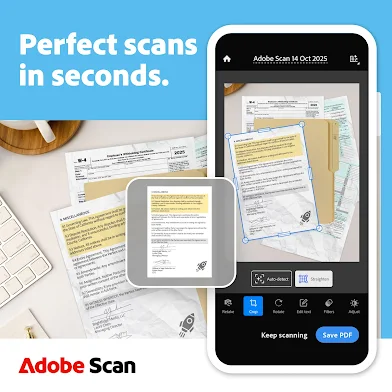
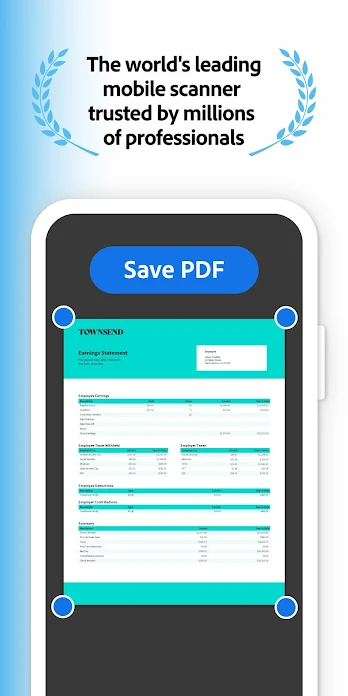
When you download Adobe Scan for your Android device, you gain access to advanced scanning technology that automatically detects document borders, straightens crooked pages, and enhances text clarity. The app's intelligent features include OCR technology that converts images to searchable and editable text, AI-powered summarization to extract key points from scanned documents, and high-speed bulk scanning for processing multiple pages quickly. You can scan everything from handwritten notes and whiteboards to official documents and ID cards with exceptional precision.
The Adobe Scan APK offers comprehensive editing tools that let you crop, rotate, adjust colors, and clean up imperfections in your scanned documents. The app automatically organizes your scans in custom folders and saves them to Adobe Document Cloud for instant access across all your devices. You can easily convert scans to various formats including PDF and JPEG, then export them to Word, Excel, or PowerPoint for further editing and sharing.
Adobe Scan for Android integrates seamlessly with other Adobe applications like Acrobat Reader, allowing you to comment, highlight, fill forms, and digitally sign documents. The app includes smart features like automatic contact extraction from business cards and password protection for sensitive documents. With both free functionality and premium subscription options that unlock additional scanning capacity and advanced features, Adobe Scan provides a complete document management solution trusted by millions of users worldwide.
Adobe Scan FAQ
Screenshots

User Reviews
No reviews yet — be the first!