Microsoft Outlook
Microsoft Corporation
About this App
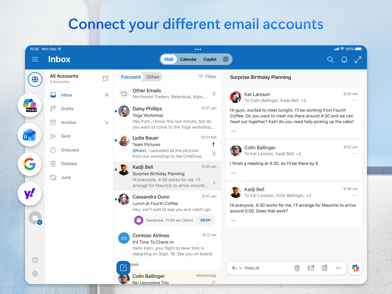
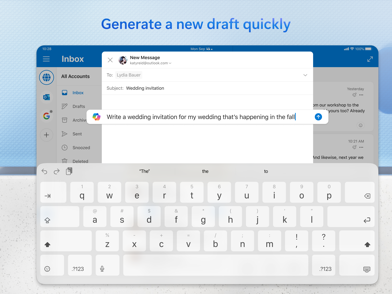
Stay organized with Microsoft Outlook, where you'll find a unified inbox, intelligent filtering, and the ability to manage multiple calendars at a glance. This powerful app is free for personal use and harmonizes seamlessly with various platforms including Microsoft Exchange, Microsoft 365, Outlook.com, Gmail, Yahoo Mail, iCloud, IMAP, and POP3. With built-in tools for grammar, spelling, and real-time typing suggestions, composing polished emails has never been easier. You can attach files directly from OneDrive, your device, or other cloud storage and effortlessly open Word, Excel, and PowerPoint files from your inbox.
Experience efficient email management as you swipe to delete, archive, snooze, or move messages. Pin important emails and flag messages for follow-up, while easily locating anything with a simple tap or voice search. Microsoft Outlook's enterprise-grade security ensures that your inbox is protected from phishing, spam, and other threats. Plus, you can join Teams, Zoom, or other video meetings directly from the app, allowing you to stay connected no matter where you are.
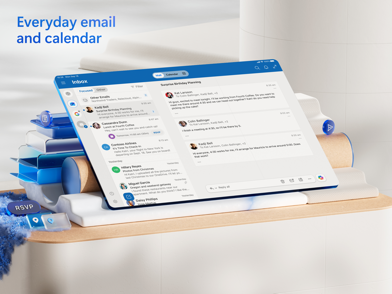
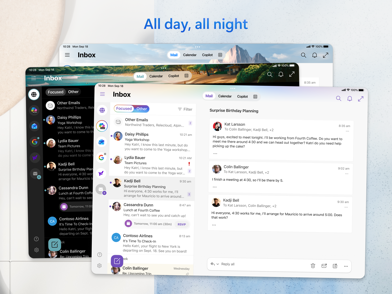
Microsoft Outlook for Android also brings robust planning and calendar management features. View multiple calendars side by side, RSVP to invites, and keep your week organized with tasks and reminders. The app enhances productivity by grouping conversations by thread and offering suggested replies for quick responses. Stay updated with automatic travel and delivery notifications added to your calendar.
Download Microsoft Outlook today to enhance your productivity and manage all your emails, calendars, and contacts in one convenient app. Whether you're using it on your phone, tablet, or PC, Microsoft Outlook APK ensures you stay productive and organized.
Microsoft Outlook FAQ
Screenshots
User Reviews
No reviews yet — be the first!