
Google Photos
About this App
Google Photos serves as the perfect home for all your pictures and videos, allowing you to effortlessly store, edit, organize, and retrieve your cherished memories with the assistance of Google’s advanced AI technology. With the capability to download Google Photos, you can access up to 15 GB of free cloud storage, which is three times the amount many competing services offer, ensuring your memories remain safe and accessible across all your devices.
The app features intuitive AI-driven editing tools that simplify complex adjustments to your images with just a few taps. You can utilize functions like the Magic Eraser to eliminate unwanted distractions and the Unblur tool to sharpen blurred images. Alternatively, the Portrait Light feature enhances lighting and brightness for stunning results. Finding photos is made easy through a natural search function that recognizes descriptive phrases related to your images, providing a seamless experience.
Additionally, Google Photos for Android helps you keep your library organized by automatically managing duplicates and grouping similar images into stacks. Users can create smart folders for screenshots, and custom albums, while sensitive images can be safeguarded in a locked folder. From sharing your favorite moments with contacts to easily transferring pictures from other apps and devices to one central location, Google Photos offers a tailored experience. Freeing up space on your device is also a breeze, as you can quickly remove backed-up photos from local storage with a single tap.
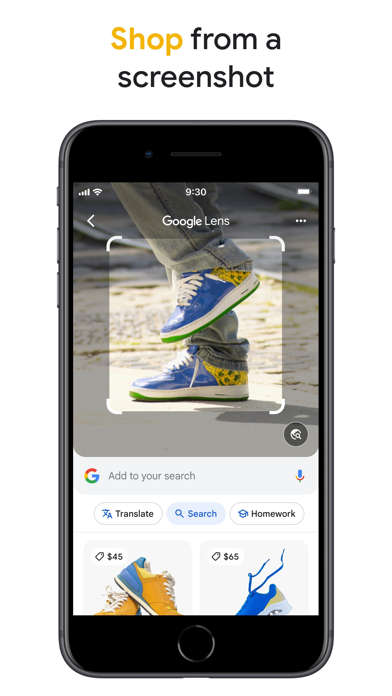
Whether you want to turn your favorite images into stunning prints, canvas art, or photo books, Google Photos has you covered. With the added capability of Google Lens for recognizing text and objects in your photos, this app not only preserves your memories but also enhances your ability to explore and act on visual content effortlessly.
Google Photos FAQ
Screenshots

User Reviews
No reviews yet — be the first!